
Ladiocast 1.2.0-beta.1 Released
I have released Ladiocast 1.2.0-beta.1, and the test continues on App Store TestFlight. If you would like to take part in the test, please proceed from https://ladiocast-docs.kawauso.com/testing
Changes from version 1.2.0-beta.0 to 1.2.0-beta.1 are as follows:
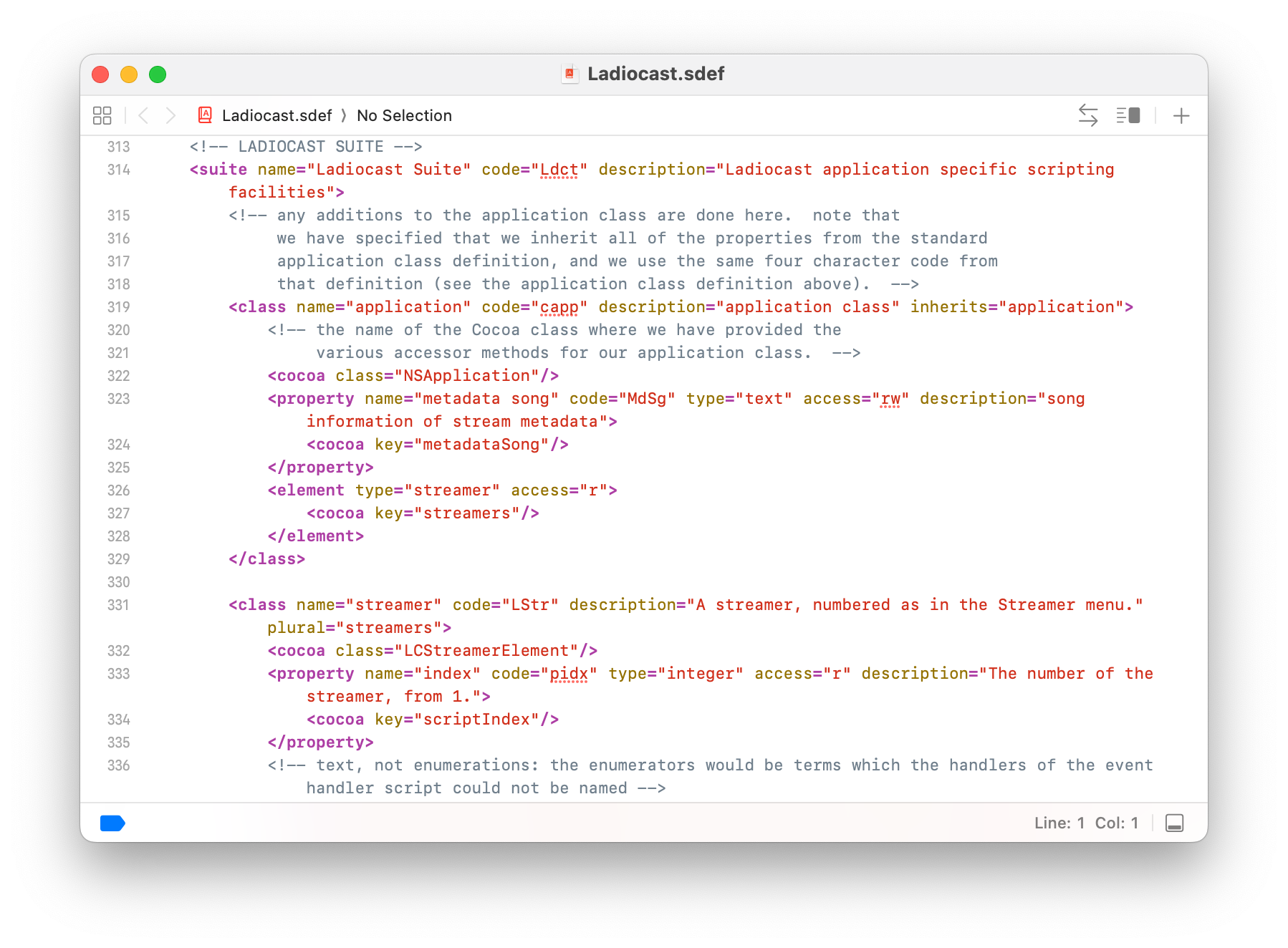
- AppleScript can now read each streamer as a "streamer" element, with its kind, status, sent bytes, elapsed time and last error. The connect and disconnect commands take these elements, such as "connect every streamer", as well as the number of a streamer as before.
- The connect and disconnect commands of AppleScript now return when the streamers have connected or disconnected, and return the error to the script instead of showing an alert when connecting fails. The commands and the Connect button are handled one at a time.
- The alert of a connection error no longer stops the app: each streamer shows its latest alert over its window, and closes it when it starts connecting again.
- A configuration file opened by the open command of AppleScript or from Finder is now applied to the streamers, and a configuration file that cannot be read shows an alert with its path.
- Icecast and Shoutcast streamers no longer reconnect every few seconds when the network falls behind for a moment, as seen with Ogg PCM over Wi-Fi.
- Icecast Streamer no longer makes the app quit when it connects to a server over TLS (SSL), or to a server that closes the connection at once.
- RTMP Streamer: Video Quality and Video Resolution can be chosen before the image, connecting while the image is being processed shows an error, and the sent bytes include the video.
- A streamer with no type is now shown as "None", in the language of the app, instead of N/A.
The AppleScript guide describes the commands and the new element. If you control Ladiocast from scripts, please run the scripts and the event handler scripts you already use, and tell me if anything behaves differently. The old forms, such as connect and connect 1, should work as before. If you stream to Icecast or Shoutcast over Wi-Fi, please tell me whether the streamer stays connected, and whether listeners hear any gaps. If you have an Icecast server with a TLS (SSL) port, please try connecting to it; the troubleshooting page lists what the connection needs. The still image of RTMP Streamer is unchanged apart from small fixes, so reports on it are still welcome, especially from services other than YouTube, from macOS 13 and macOS 14, and over long sessions.
When reporting a problem, please include your macOS version, Mac model (Intel or Apple silicon), the language the app is shown in, the audio devices you used, the streamer type and server software, the encoding format, sample rate and bit rate, the script you ran if any, and any message shown by the app. How to report crashes, bugs and requests: https://ladiocast-docs.kawauso.com/feedback
Thank you for your help.