
Ladiocast 1.1.0 Released
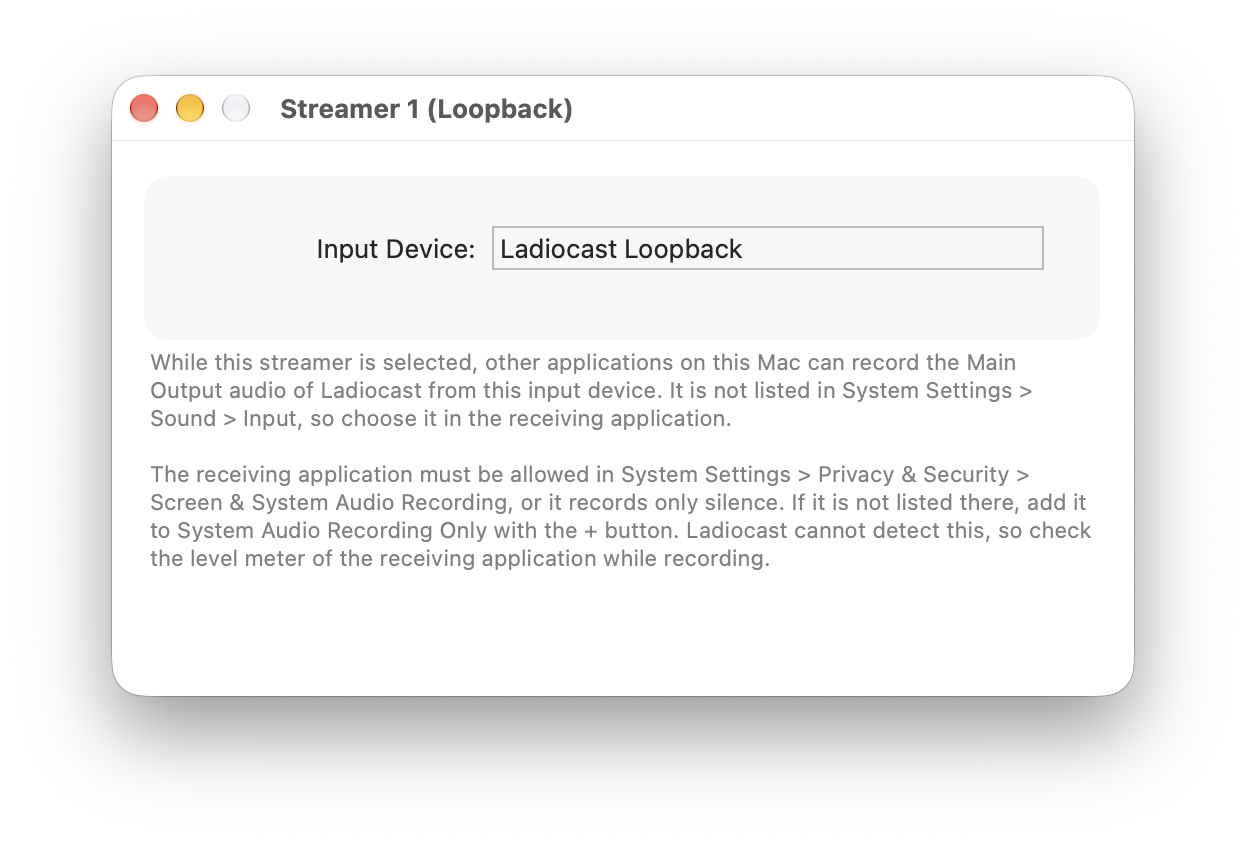
Ladiocast 1.1.0 is now available in the Mac App Store. Thank you to everyone who took part in the TestFlight test of 1.1.0-beta.0, 1.1.0-beta.1 and 1.1.0-beta.2.
The beta test is over. There is no change from 1.1.0-beta.2 in the app itself.
Changes from version 1.0.0 to 1.1.0 are as follows:
- Added Loopback Streamer, which passes the audio to other applications on this Mac as an input device named "Ladiocast Loopback", instead of sending it to a server (macOS 14.2 and later).
Choose Streamer > Streamer 1 > Loopback, and choose "Ladiocast Loopback" as the audio input of a recording or streaming application, such as OBS Studio or QuickTime Player. Only one streamer can be Loopback at a time. No driver is installed: the device exists only while Ladiocast is running and the streamer is selected. The device is not listed in System Settings > Sound > Input, so choose it in the receiving application. The receiving application must be allowed in System Settings > Privacy & Security > Screen & System Audio Recording, while Ladiocast itself needs no permission. If the receiving application is not listed there, add it to System Audio Recording Only with the + button; without the permission, it records silence, so check its level meter while recording. See Loopback Streamer in the guide for details.
With 1.1.0, the work I had planned is more or less done, and I think this is a good place to pause.
See the ChangeLog for the complete list.
How to report crashes, bugs and requests: https://ladiocast-docs.kawauso.com/feedback