
Ladiocast 1.1.0-beta.0 Released
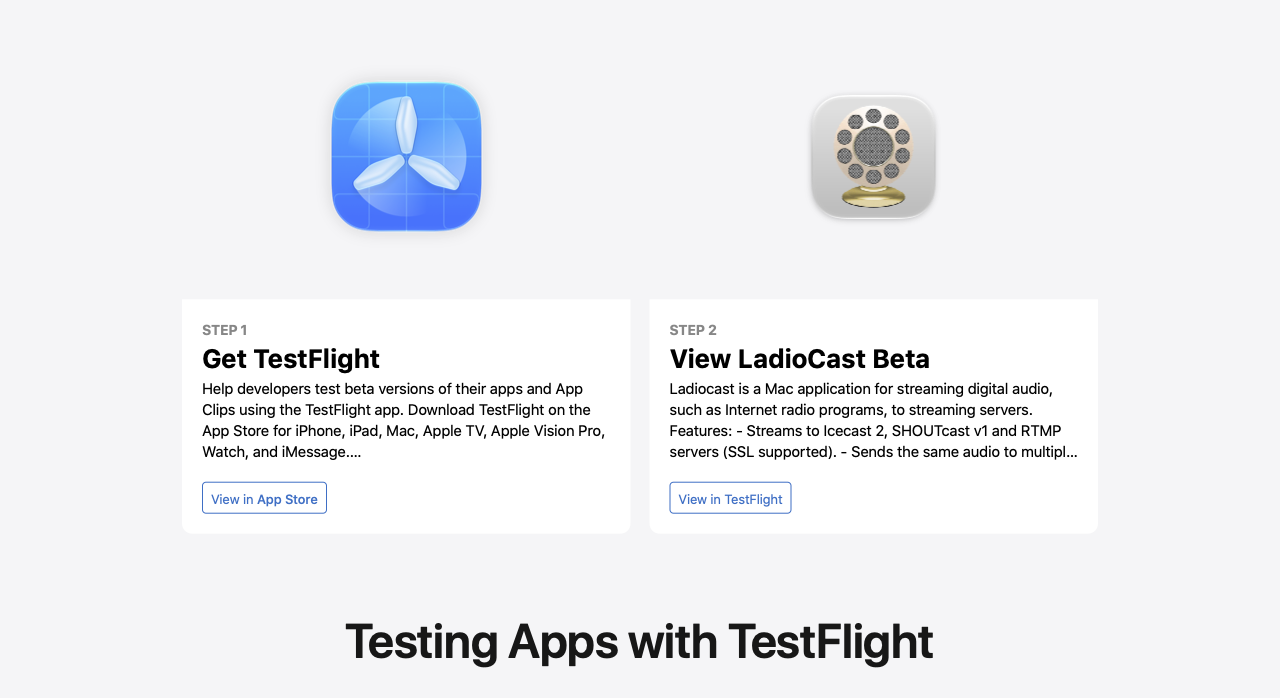
I have released Ladiocast 1.1.0-beta.0, and its test has started on App Store TestFlight. If you would like to take part in the test, please proceed from https://ladiocast-docs.kawauso.com/testing
Changes from version 1.0.0 to 1.1.0-beta.0 are as follows:
- Added Loopback Streamer, which passes the audio to other applications on this Mac as an input device named "Ladiocast Loopback Streamer", instead of sending it to a server. Only one streamer can be Loopback at a time (macOS 14.2 and later).
- Added the usage description of system audio recording, which Loopback Streamer needs.
Choose Streamer > Streamer 1 > Loopback, and choose "Ladiocast Loopback Streamer" as the audio input of a recording or streaming application, such as OBS Studio or QuickTime Player. No driver is installed: the device exists only while Ladiocast is running and the streamer is selected. Both Ladiocast and the receiving application must be allowed in System Settings > Privacy & Security > Screen & System Audio Recording. If the receiving application is not listed there, add it to System Audio Recording Only with the + button; without the permission, it records silence. Please tell me whether the audio comes through without clicks or gaps over a long session, and whether the device disappears when you choose another type of streamer or quit Ladiocast. On macOS 13 and macOS 14.0 to 14.1, Loopback is not in the menu; please check that everything else works as before.
When reporting a problem, please include your macOS version, Mac model (Intel or Apple silicon), the language the app is shown in, the audio devices you used, the application that received the audio from Loopback Streamer, and any message shown by the app. How to report crashes, bugs and requests: https://ladiocast-docs.kawauso.com/feedback
Thank you for your help.